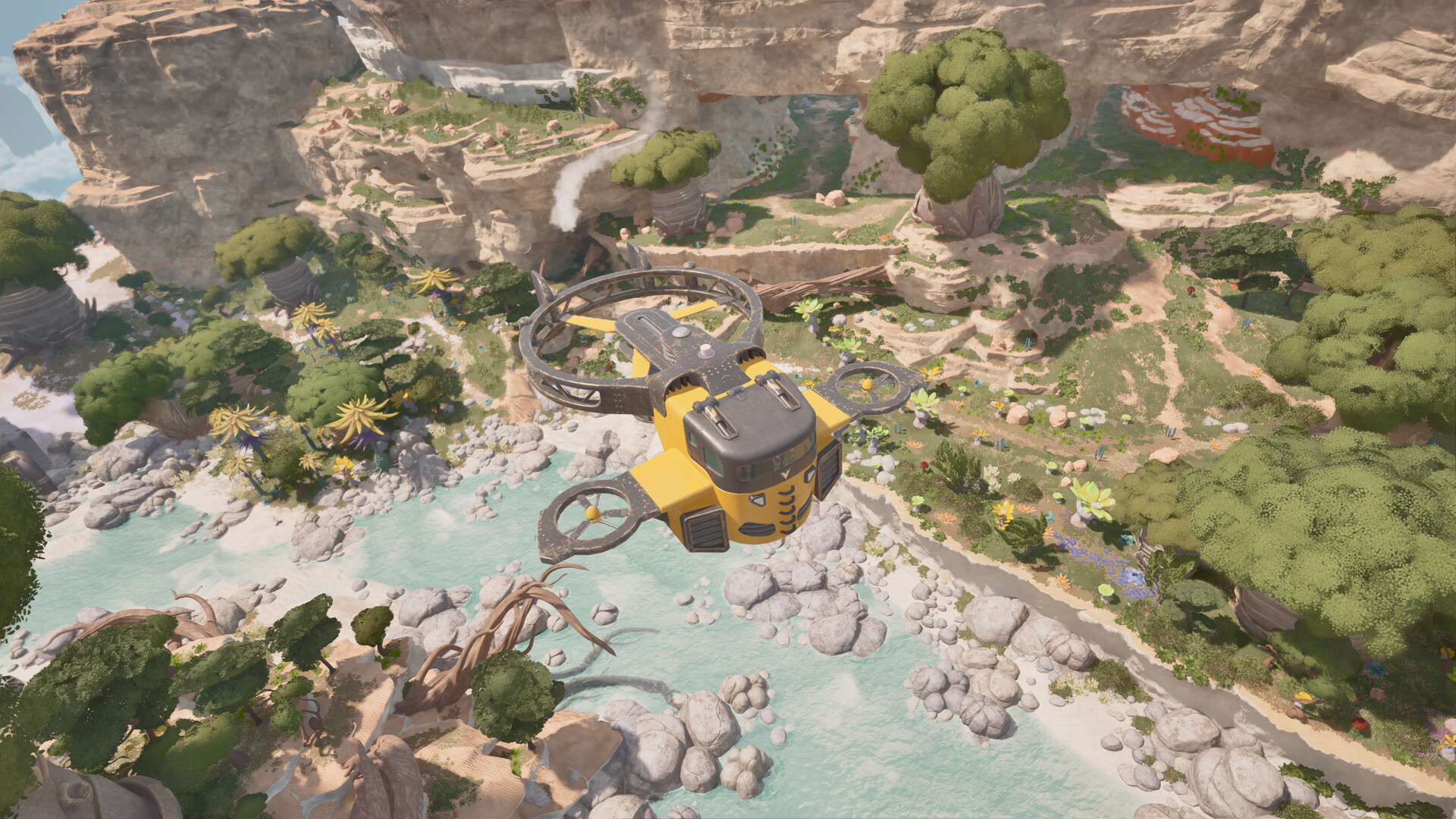
Start with your current flight controls
Use the engine-start, hover and landing-gear bindings displayed in your current flight manual, and practise hovering near a clear landing area before attempting a longer flight. Approach at a manageable speed, check the aircraft indicators before touchdown, and inspect the hull, propulsion engine and hover components before departing again.
Find the bindings before leaving the ground
Open the in-game flight manual and locate engine start, hover and landing gear. Follow the displayed bindings for your keyboard or controller setup. Familiarise yourself with the aircraft indicators before trying to read them during a landing.
Keep older Demo instructions separate from your Early Access controls. Use the manual and prompts in your installed build when practising, rather than relying on a remembered key from older footage.
- Confirm that the aircraft contains usable fuel before beginning your practice flight.
- Carry the repair materials your Wasp needs so you can address damage before the next departure.
Practise engine start, hover and landing
- Start the engine with the binding shown in your current flight manual. Following that prompt gives you a clear starting point for practising the remaining flight controls.
- Practise a stationary hover near a clear landing area using your displayed hover controls. The Wasp can hover in place, giving you an opportunity to become comfortable with its handling before extending the flight.
- Approach the clear landing area at a manageable speed. Leave yourself room to judge your position so the approach feels deliberate rather than rushed.
- Lower the landing gear using the binding displayed in your current manual. Make this a deliberate part of the approach before committing to touchdown.
- Check the aircraft indicators before committing to touchdown. Use this final check to decide whether you are comfortable completing the landing or would benefit from more practice.
Inspect the Wasp before flying again
Make an aircraft inspection part of your landing routine, especially after an awkward approach. Check the hull, propulsion engine and hover components separately. Treat each part as its own inspection rather than assuming the entire Wasp is ready because a single component looks sound.
- Inspect the hull, propulsion engine and hover components individually. This gives you a focused check of the parts that need attention before the next flight.
- Repair damaged parts with a Welder and the materials requested in game. Complete the repair work before treating the aircraft as ready to depart.
- Check the aircraft’s usable fuel before taking off again. This completes the departure check alongside the separate inspection and repair of its components.